
Download Aadhaar on WhatsApp Now

Business

Download Aadhaar on WhatsApp Now

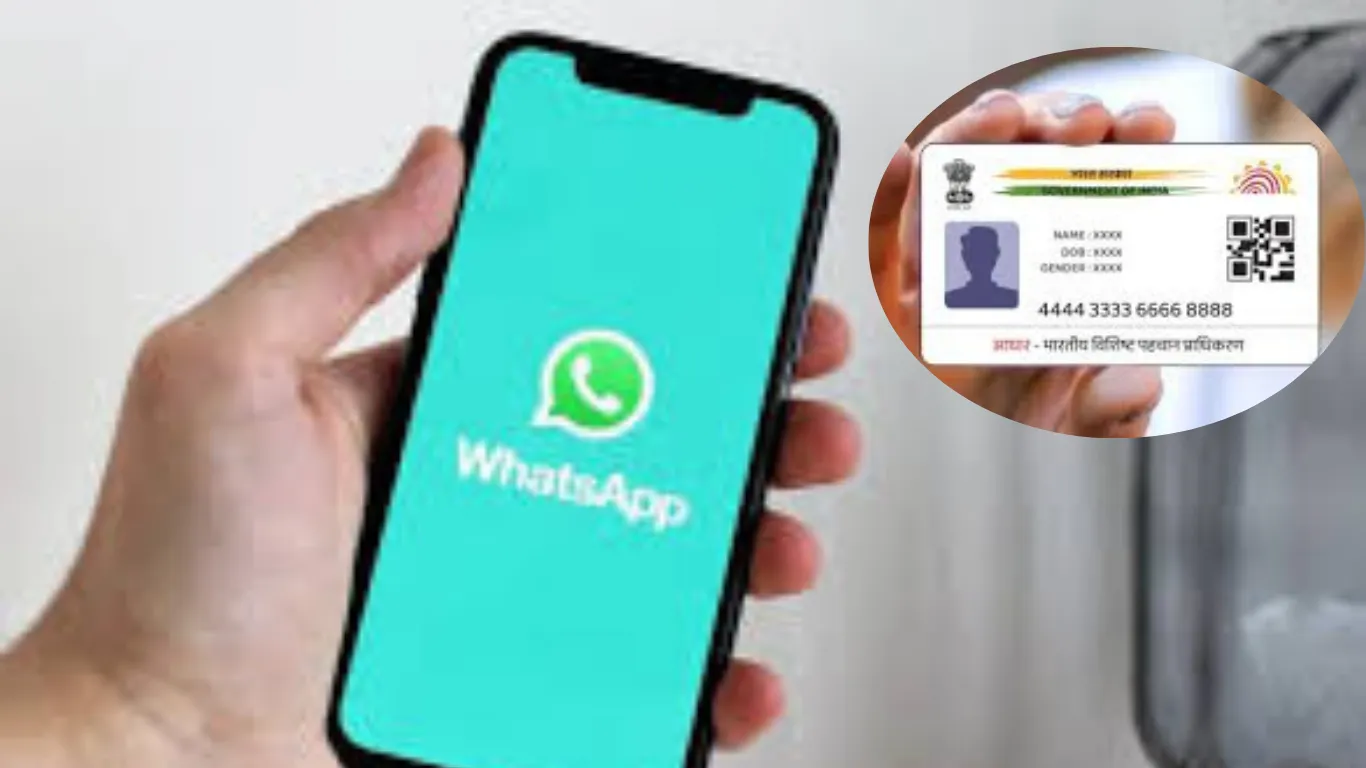
Aadhaar Card is now accessible via WhatsApp. Here's the step-by-step guide to download it easily using the MyGov Helpdesk.

Today, the Aadhaar card is not just a document; it has become the identity of every citizen of the country. To download an Aadhaar card, we used to have to endure a lengthy process on the UIDAI website. But now we won't have to. Users can now download their Aadhaar card via WhatsApp. Let's take a look at the process.

Users can now download their Aadhaar card via WhatsApp. Let's understand the process without wasting any time:

How to download Aadhaar via WhatsApp?

Step 1 - First, you need to save the number 91-9013151515 on your phone as My Gov Helpdesk.

Step 2 - Now, send a message like "Namaste" or "Hi" to this number via WhatsApp.

Step 3 - Next, you need to select the Digi Locker option.

Step 4 - Then confirm your DigiLocker account. If you don't have one, create one first.

Step 5 - Next, you'll need to enter your 12-digit Aadhaar number.

Step 6 - Now send the OTP received on your mobile number via WhatsApp chat.

Step 7 - After the OTP is verified, you'll see a list of documents available in DigiLocker. Select your Aadhaar card from these.

Step 8 - After this, you'll receive your Aadhaar card in PDF format on WhatsApp.

--------

🚨 Beat the News Rush – Join Now!

Get breaking alerts, hot exclusives, and game-changing stories instantly on your phone. No delays, no fluff – just the edge you need. ⚡

Tap to join: 

🟢 WhatsApp Channel: Dainik Jagran MP CG

Crave more?

🅕 Facebook: Dainik Jagran MP CG English

🅧 Twitter (X): Dainik Jagran MP CG

🅘 Instagram: Dainik Jagran MP CG

Share the fire – keep your crew ahead! 🗞️🔥

english.dainikjagranmpcg.com
25 Sep 2025 By Nitin Trivedi

Download Aadhaar on WhatsApp Now

Business

Today, the Aadhaar card is not just a document; it has become the identity of every citizen of the country. To download an Aadhaar card, we used to have to endure a lengthy process on the UIDAI website. But now we won't have to. Users can now download their Aadhaar card via WhatsApp. Let's take a look at the process.

Users can now download their Aadhaar card via WhatsApp. Let's understand the process without wasting any time:

How to download Aadhaar via WhatsApp?

Step 1 - First, you need to save the number 91-9013151515 on your phone as My Gov Helpdesk.

Step 2 - Now, send a message like "Namaste" or "Hi" to this number via WhatsApp.

Step 3 - Next, you need to select the Digi Locker option.

Step 4 - Then confirm your DigiLocker account. If you don't have one, create one first.

Step 5 - Next, you'll need to enter your 12-digit Aadhaar number.

Step 6 - Now send the OTP received on your mobile number via WhatsApp chat.

Step 7 - After the OTP is verified, you'll see a list of documents available in DigiLocker. Select your Aadhaar card from these.

Step 8 - After this, you'll receive your Aadhaar card in PDF format on WhatsApp.

https://english.dainikjagranmpcg.com/business/68d4ee0058204/article-5425
Tags:

Trending News